Features: Withheld Number
Withheld Number Calling
With a simple click, hide your landline number when making calls.
Making use of Withheld Number
The Withheld Number feature allows you to hide your phone number when making calls, giving you greater privacy and control over who can see your information. When enabled, you can make calls without revealing your number, ensuring your personal details remain confidential.

Keep your number private
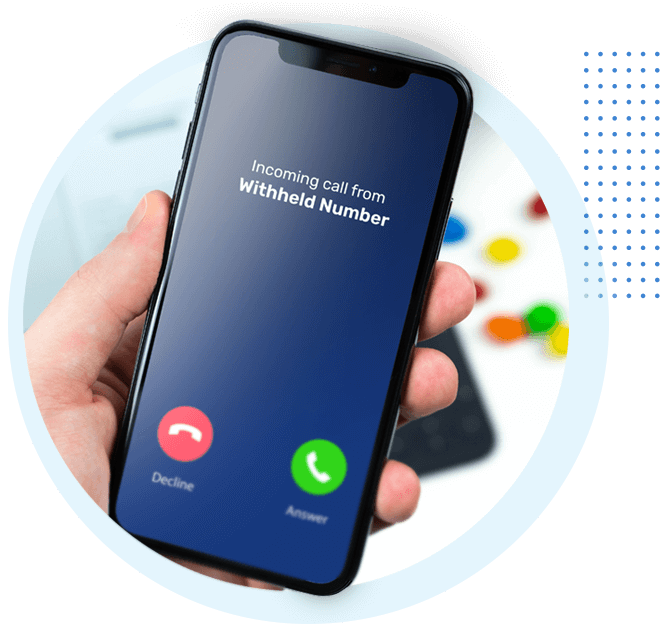
If you'd prefer not to share your phone number every time you make a call, you can choose to withhold it. This is ideal when calling a business, returning an unknown call, or making a one-off enquiry where you don't want your number saved or called back.
With Withheld Number enabled, your number will be hidden from the person you're calling. You stay in control of your privacy, deciding when your number is visible and when it isn't, giving you extra peace of mind whenever you pick up the phone.
Show your number to your contacts
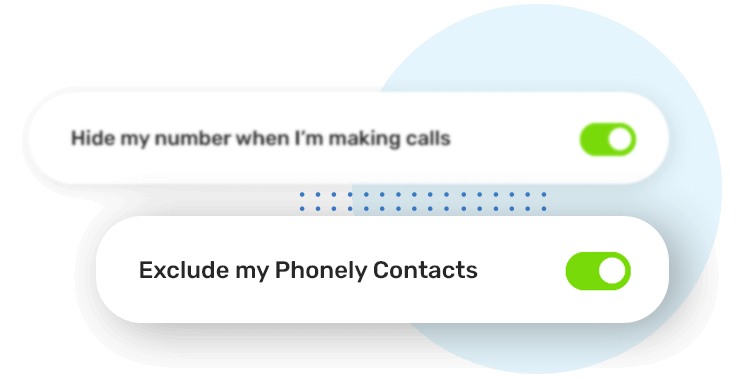
If you normally withhold your number but still want friends, family or trusted contacts to recognise your call, you can choose to reveal your number just for them.
When enabled, anyone saved in your Phonely Contact Book will see your number as usual, so they know it's you calling. It's the perfect balance between privacy and convenience - keeping your number hidden from others while ensuring the people who matter can easily identify your call.
Temporarily show your number
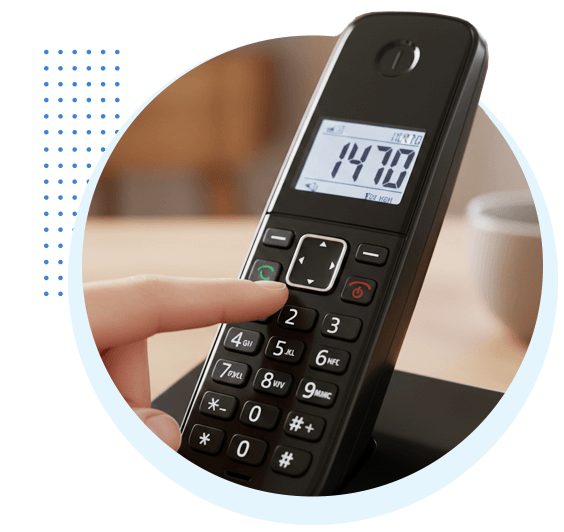
Even when Withheld Number is enabled, there are times you might want your number to be visible for a single call. Maybe you're calling a business, a new contact, or someone who doesn't have your number saved.
Simply dial 1470 before the number you want to call (e.g. 1470XXXXXXXXXXX), and your number will be shown just for that call. It's an easy way to stay in control of your privacy while giving your number when you need to.
Hide your number for individual calls
Even if you decide to not hide your number by default, you can still choose to hide your number on a call-by-call basis. This is useful when calling someone you don't want to share your number with temporarily.
Just dial 141 before the number you want to call (e.g. 141XXXXXXXXXXX), and your number will be hidden for that call only. It's a simple way to protect your privacy whenever you need it, without changing your default settings.
How do I turn on Withheld Number?
It's super easy to do. Just log into your Phonely account and then Settings > Features Settings, click on the "Withheld Number" tab. There you will be able to turn it on.
Phonely's Call PlansRelated Features
Explore more from Phonely
Blogs & Updates
The latest news, updates and guides from Phonely.

Fake Home Repair Calls: Thousands of Reports Raise Concerns for UK Households

The Next Batch Has Been Revealed: Is Your Area on the Landline Switch-Off List?

UK Scam Call Trends: September 2026